'New survey' - To buy a new survey
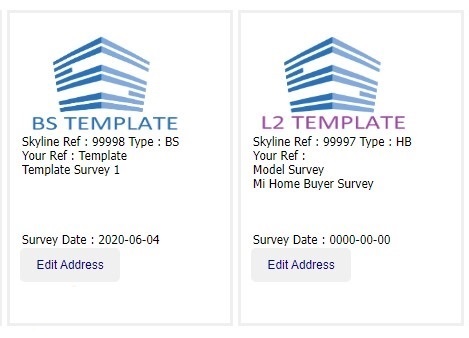
'Active surveys' - This is your list of active (not-lodged) surveys plus your two survey templates
'SkyDocs' - Some useful documents you can download and use as you wish
'Account transactions and top-up' - Access to a history of your past 20 transactions and to Stripe to top up your account
'Edit personal details' - Update the details which appear in your reports
'Support' - Allows you to send us a message
'Logout' - Cheerio to Skyline til next time
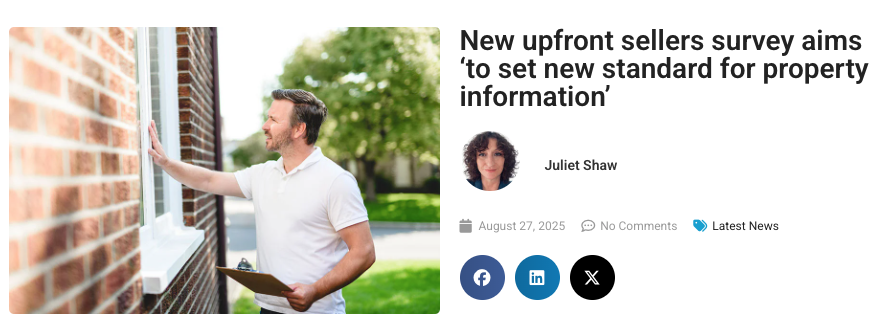
Skyline's survey results make the Press.
Skyline's Survey of Surveyors is making news across the industry, showing that it's only Skyline who are supporting surveyors' futures.
There is a new version of the App for Android users - released Sunday 24th August - Version 2.0.1(29)
PLEASE PLEASE :-
- PLEASE before you download makes sure you have uploaded all photos etc from the app. Depending on your device it may wipe old data before the upgrade.
- PLEASE check the app before your first survey - When you take a photo it stores on your devices CAMERA ROLL too. If it doesn't then check your permissions.
The changes we have applied include:
1. Fixing an issue for newer Android devices where Android had changed the name of an internal permission meaning the photos didn't get saved to your camera roll.
2. We also had some instances of zero byte photos, or corruptions between the device camera and the app - we now trap these and let you know at photo taking time.
Send us an screenshots of any issues !
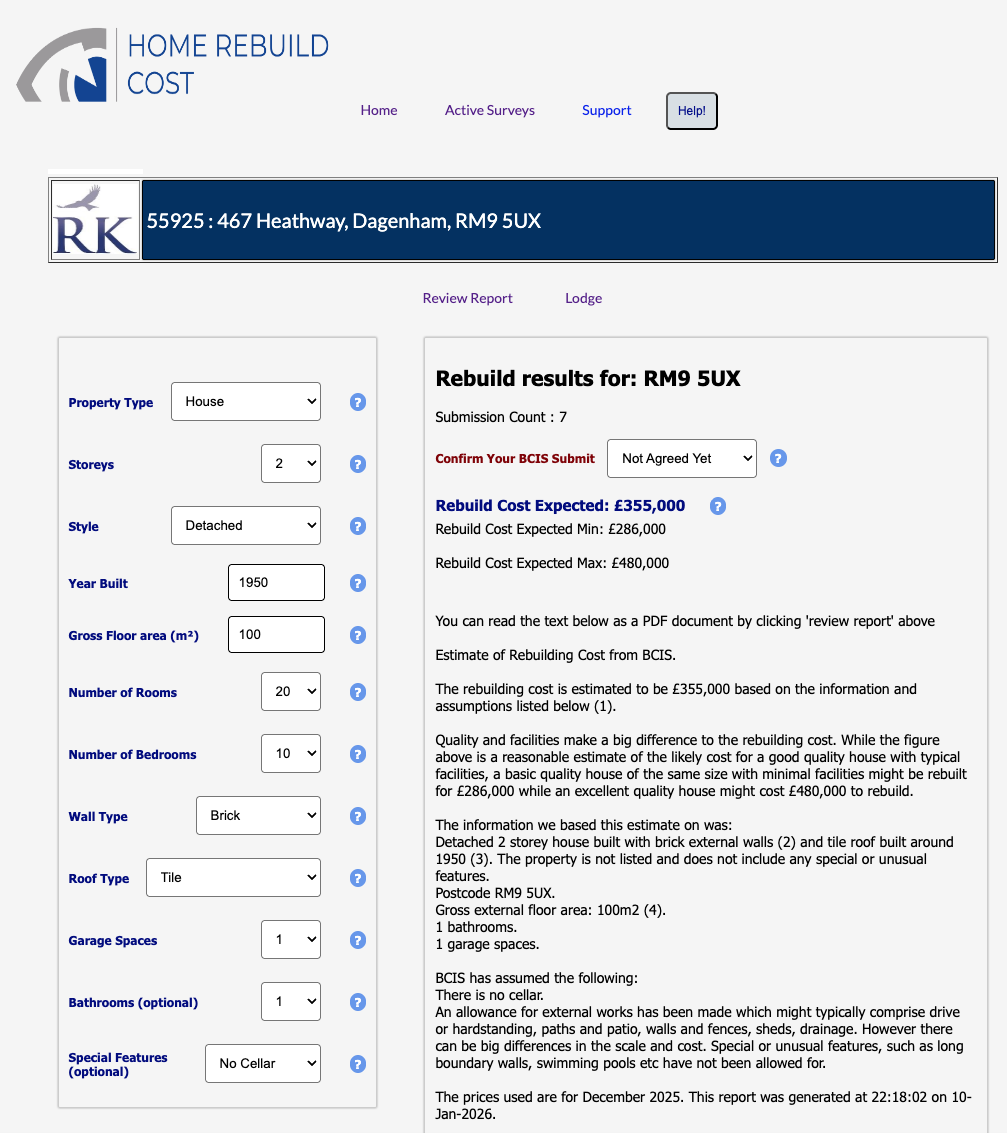
BCIS Screenshot - These are the only data fields you'll need ...

To Take a Screenshot in WINDOWS
Press the Windows Key-Shift-S all at the same time and drag the mouse whilst pressing left click. When you let go you have an image on your clipboard for pasting.
You can then paste the image into an email or MSPaint or other App (Ctrl-V)
Screenshots are useful to us for diagnosing any issues you may experience !
You can restore your own reports if lodged within the last 2 weeks (before they go off to our deep freezer)
From the avtive surveys list, select 'tools' then 'Restore'.
You'll see a list of your last few reports - those with a green 'avail now', you can restore now. The red ones - press those and it sends us a detailed restore request to grab it from our freezer.

On the photos page you have access to change any of your captions - we give you over 100 but you can amend / add / delete as you wish. There's a help button on the captions page.

Valuation and / or ReInstatement or neither - You can control any combination of these two by using the radio buttons on 'edit address' from your survey list. Or when you buy the report. Section 2.7 then prints as required.

There are a few options when you buy a report - if you get them wrong you can change them using the 'edit address' button from your 'active survey' list

Windows Snip and Sketch Tool - To grab parts of the screen. Here's a short cut - Press 3 keys : Windows Key - Shift - S at the same time. Then drag your mouse to highlight your screen portion. A window will pop up for you to click on and save.

TEMPLATES
You have two survey templates - one for the Bulding Survey and one for the Home Buyer ( incl HCS and BTL) types of survey.
These are your personal templates for you to edit as you wish. We just give you some starter text.
The report text within is copied into your new report when you buy a report.
But did you know you can set your condition ratings and load up some pictures to your template - and then these get copied across too.

PHOTO LOADING
You can drag and drop up to 30 pictures at a time across to the photo load screen. Do make sure they are resized down to around 100kb (0.1MB) most camera photos are around 4MB-8MB

Skyline introduction video - Watch this to find out why Skyline is the perfect companion for the independent surveyor.
We'll answer all of your questions and tell you how quickly and easily you can get started writing the best looking survey reports in the industry.
Watch the video HERE

Skyline Full Training
DATA LOSS
If you suffer a data loss we can normally get the data back for you. If you overwrite any of your data, or there is a server glitch, then we can grab your data from any 'save'. Just email us info@skylinesurveyors.co.uk or use the 'Support' buttons
Cookies ! - Only this sign-on screen uses cookies. We just record which items you have already seen so we don't alert you again. That's it. No advertising, tracking or other dodgy cookies.
To contact the team - do use the support button on all pages. This sends an email and text to the whole team